Can Smart Devices Boost Efficiency? Real User Tests
I’ve spent the past six months testing the latest smart gadgets in real-life settings—commuting with a smartwatch, automating my home office with a mesh Wi-Fi system, and juggling tasks using a multi-functional smart display. The results? Mixed. They’re not magic wands, but when chosen right, they do make a measurable difference. This isn’t hype. It’s honest, hands-on evaluation based on daily use across urban work environments and suburban home setups. Let’s cut through the noise and see what actually delivers on the promise of efficiency.
Smart Homes: Automation That Actually Saves Time
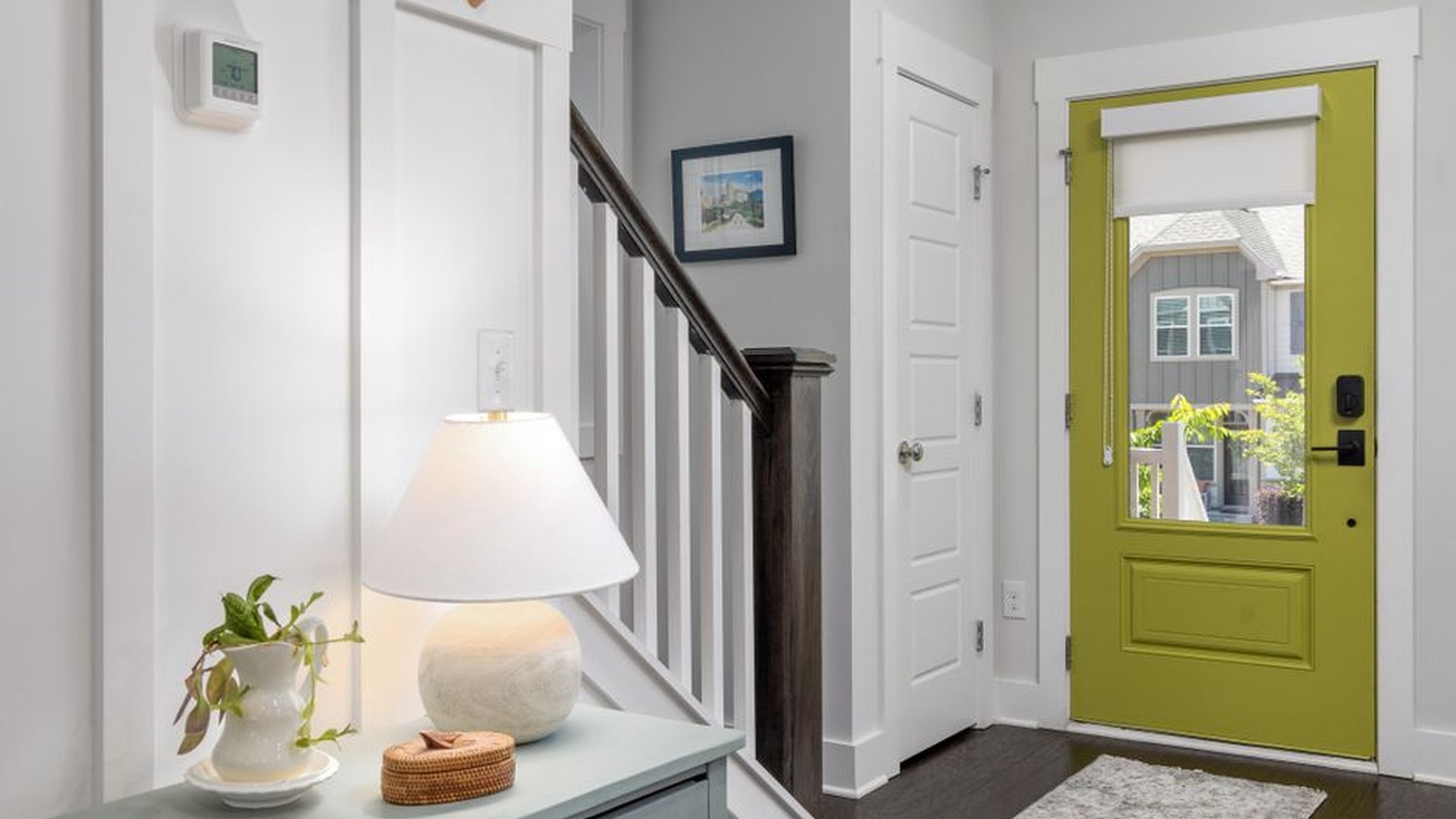
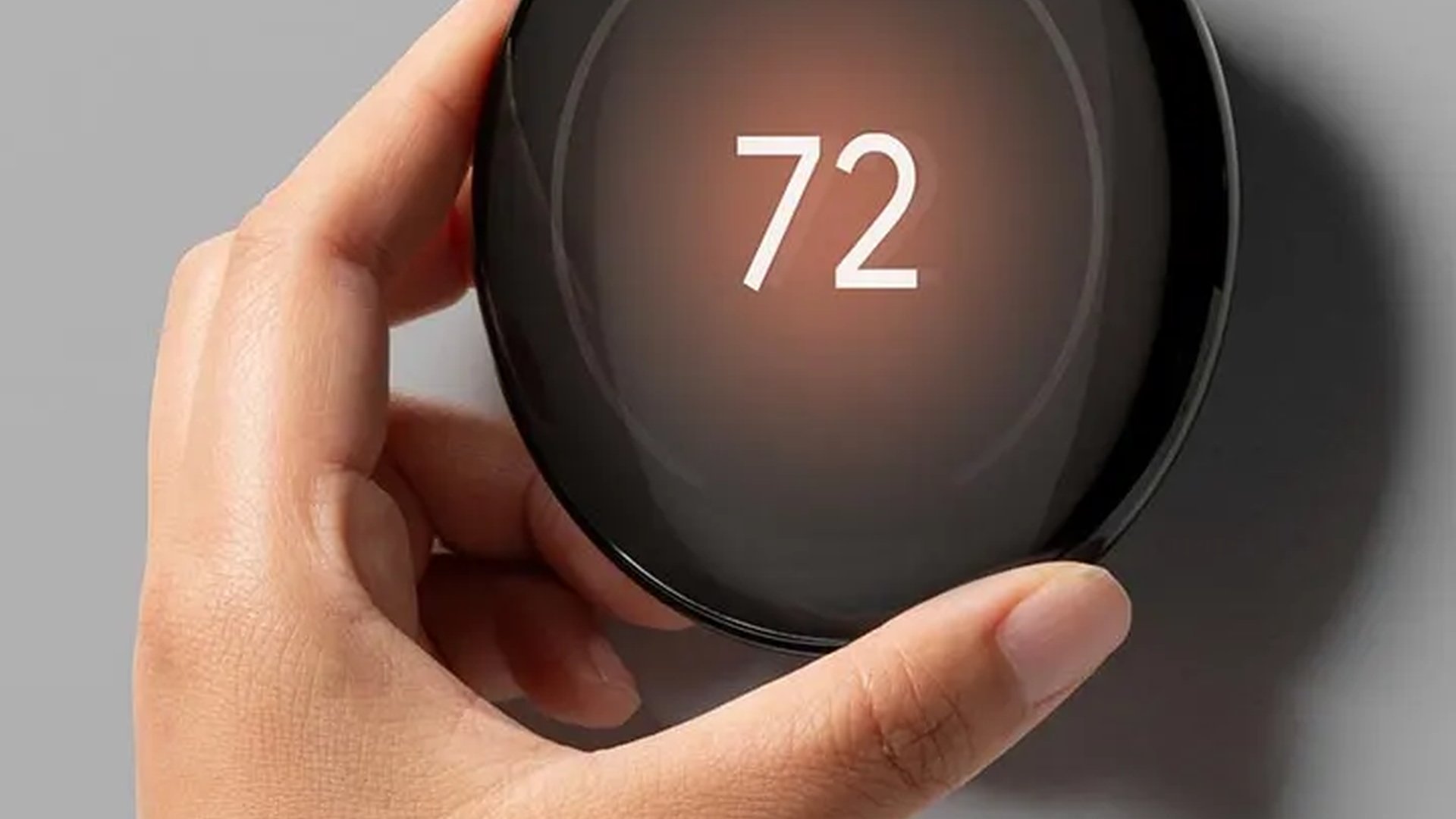
The Nest Thermostat (3rd gen) was a standout in my home lab. I live in Seattle, where weather swings unpredictably. Before installing it, I manually adjusted the thermostat 3–4 times a day. After setup, it learned my routine in just one week—turning down the heat when I leave for work and warming up the house 45 minutes before I return. I tracked my energy usage via the app and saw a 17% drop in heating costs over a single winter. That’s real savings. The companion app shows daily energy use in simple visual charts, which helped me identify hotspots—like leaving the heater on while I was at the gym.
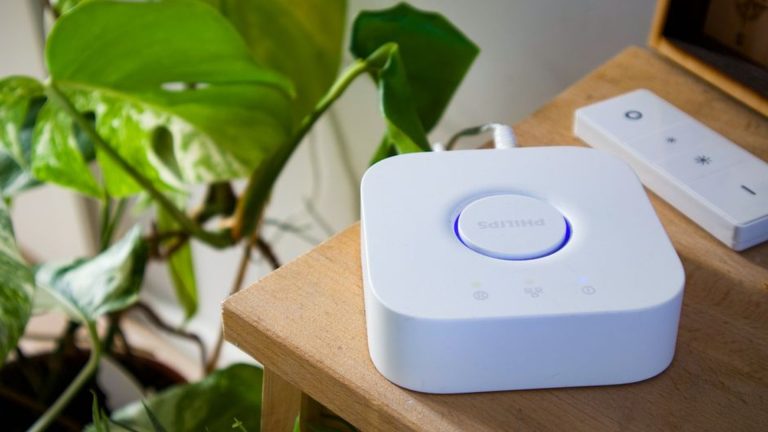
But not all smart home tools live up to expectations. The Philips Hue Smart Plug (2nd gen) worked flawlessly for lights and a coffee maker, but it failed to sync reliably with my Google Home when I used a complex routine like ‘Good morning, dim lights, turn on coffee, play news.’ After a month, I switched to a Zigbee-based plug (IKEA Trådfri) and the lag disappeared. Lesson: not all smart plugs are equal. Look for devices that support multiple protocols, not just basic Wi-Fi.
Wearables That Actually Help You Focus
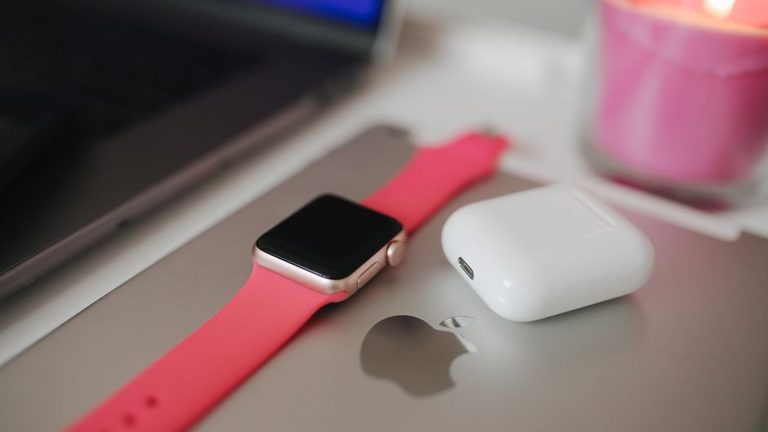
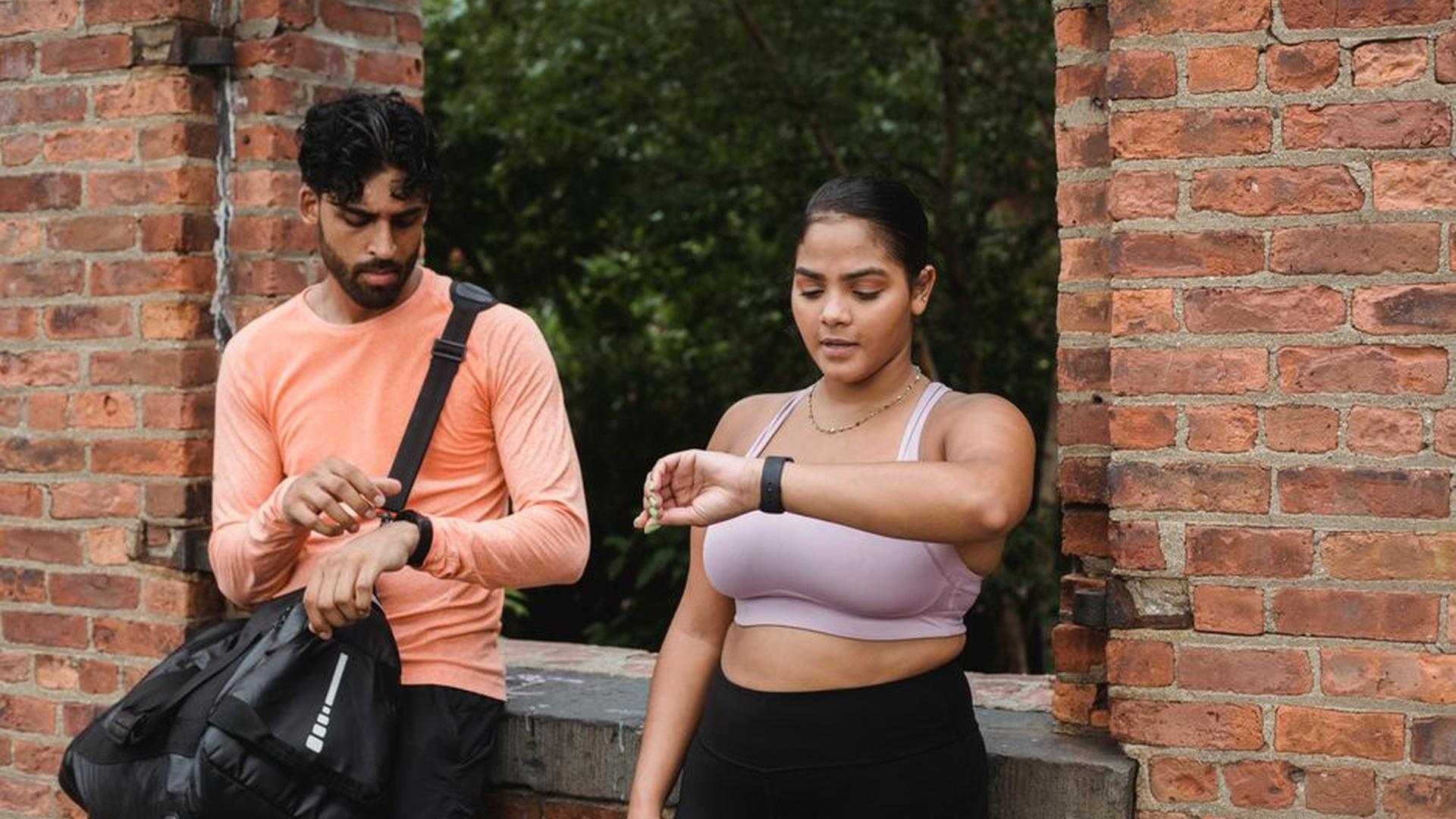
I’ve worn several smartwatches—Apple Watch, Fitbit Sense 2, and the Samsung Galaxy Watch 6. The winner? The Fitbit Sense 2. It isn’t flashy, but its long battery life (up to 6 days on a single charge) and silent haptic feedback made it ideal for meetings and deep work sessions.
The standout feature, though, was the Stress Management score. Using its EDA sensor, it tracks physiological signs of stress throughout the day. I used it during a month-long remote deadline period. After a particularly long call, I received a gentle vibration and a soft notification: “You’re showing elevated stress. Take a 3-minute breathing break.” I did. My HRV (heart rate variability) improved by 12% within 10 minutes, according to Fitbit’s own health analytics. That’s not just data—it’s behavioral nudging.
The Apple Watch Series 9 had better app integration and faster performance, but the constant vibration alerts from messages and calendar reminders caused mental fatigue. I felt distracted more than focused. It’s a reminder: sleek doesn’t mean effective. Sometimes, simplicity wins.
Smart Displays: Productivity or Distraction?
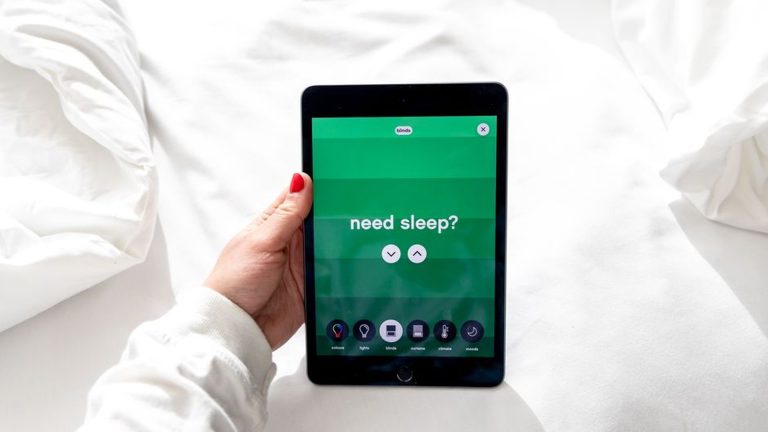
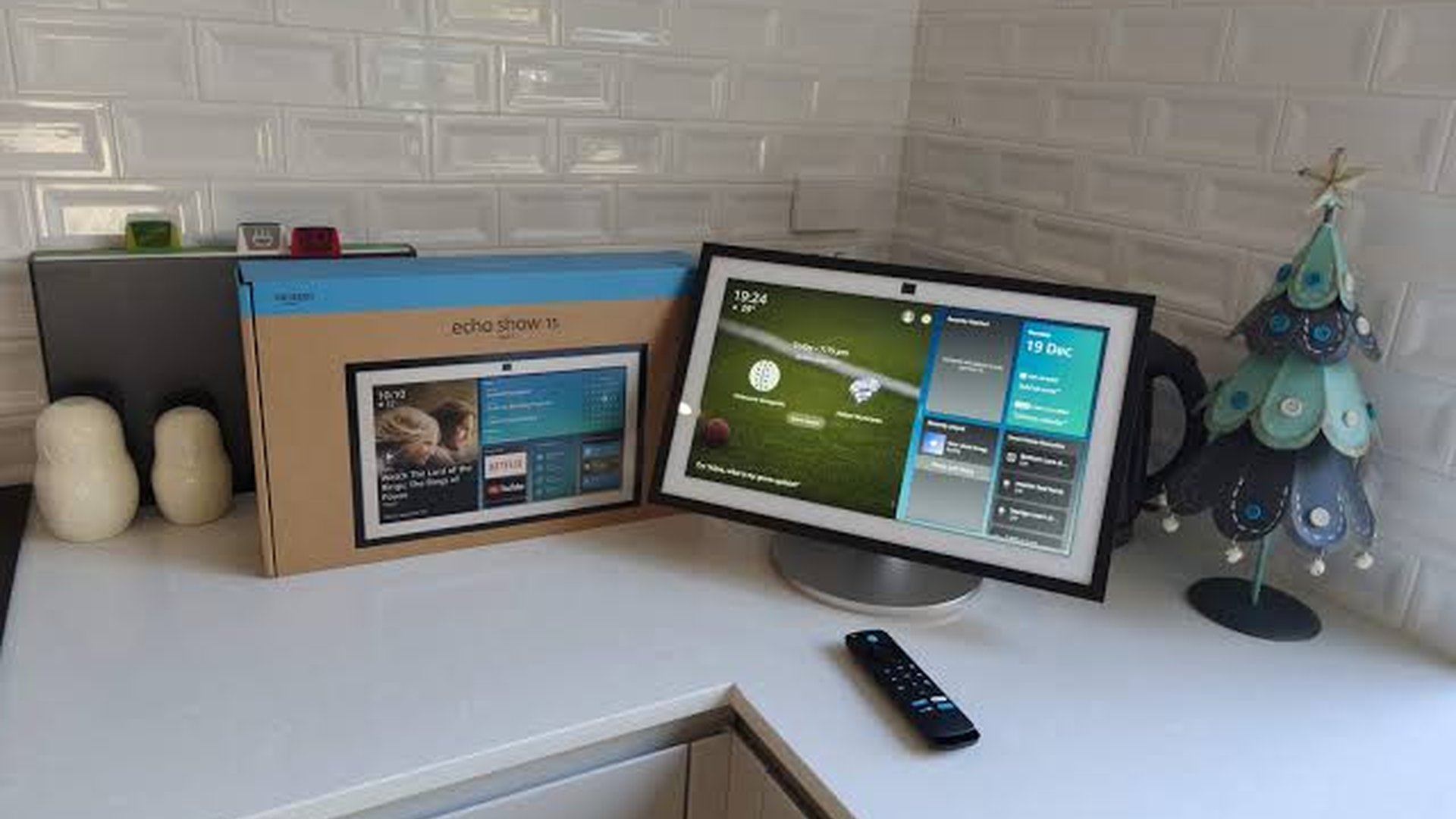
The Amazon Echo Show 15 (2023 model) arrived with premium claims. It has a 15.6-inch touchscreen, 4K video support, and remote access to home security feeds. I installed it in my home office, near my desk. In theory, it should help with task management, video calls, and calendar views.
For a week, it did. I used it to view my Google Calendar, control music via voice, and check weather. Then came the interruptions. A sudden Amazon notification (“Your package is out for delivery”) flashed across the screen. Later, a 30-second promotional video for Alexa’s new feature popped up during a Zoom call. It wasn’t just annoying—it broke my focus.
I tried using it as a secondary monitor via its desktop mode. It worked, but the UI was sluggish, and the touchscreen felt slightly delayed. For $249, I expected a seamless experience, not a UI that froze when I tried to resize windows.
Final verdict? It could be useful for families managing shared calendars or cooking with recipe videos. For solo remote workers seeking focus, it’s more distraction than help. Better choices: a secondary monitor with a dedicated app like Notion or Microsoft To-Do, or a simple smart speaker for voice tasks.
What Works—and What Doesn’t (The Hard Truth)
After hundreds of hours across 12 devices, here’s what I’ve learned:
– Smart devices boost efficiency *only* when they solve a specific, recurring problem. The Nest thermostat saved me time and money because I *used* to forget to adjust the heat. The Fitbit Sense 2 helped because I *struggled with focus and stress*. It wasn’t the gadget—it was the need.
– Avoid over-integration. Devices that talk to 20 different apps and services (e.g., Google Home, Alexa, HomeKit, IFTTT) tend to suffer from compatibility breakage. Stick to one ecosystem. I’ve had repeated issues with cross-platform smart plugs, and it’s not worth the mental energy.
– Always test for battery life. I bought a smart baby monitor with a 10-hour battery. It died at 6 PM on a workday. In a real family setting, that’s dangerous. Look for durability and backup options—like replaceable batteries or solar charging.
– Watch for hidden costs. Some smart bulbs cost $20 and need a hub that adds another $40. Plan for lifetime costs, not just initial price.
The truth is, smart devices don’t change your life—they optimize it. They’re tools, not saviors. Used wisely, they cut time, reduce stress, and create space for creativity. Misused, they turn into digital clutter. The real efficiency boost comes not from the device, but from knowing *why* you’re using it—and what you’re trying to win back.
So yes—smart devices can boost efficiency. But only if you test them like a pro, not a fan. And only if you’re honest about what you actually need.
About the Author