Understanding Your Real Needs Before Buying
I remember my first smart home purchase—an $120 smart speaker that promised to ‘transform your life.’ After three weeks of it missing commands, running slow, and being frustratingly unresponsive, I was left with a $120 piece of plastic that didn’t do what it said. That experience taught me a hard lesson: smart gear isn’t about buying the flashiest gadget. It’s about matching tools to real needs. As someone who’s tested over 150 smart devices in the past five years, I’ve learned that most new buyers walk into the market with two assumptions: 1) more features = better value, and 2) all smart devices work the same across brands. Both are wrong. Before you click ‘Buy Now,’ ask yourself: Where will this device live? What problem am I solving? If you’re setting up a home office, a smart plug might be overkill. But for a remote worker in a shared apartment, a smart light that turns off remotely could be a game-changer for security and comfort.
The Hidden Costs of Smart Devices
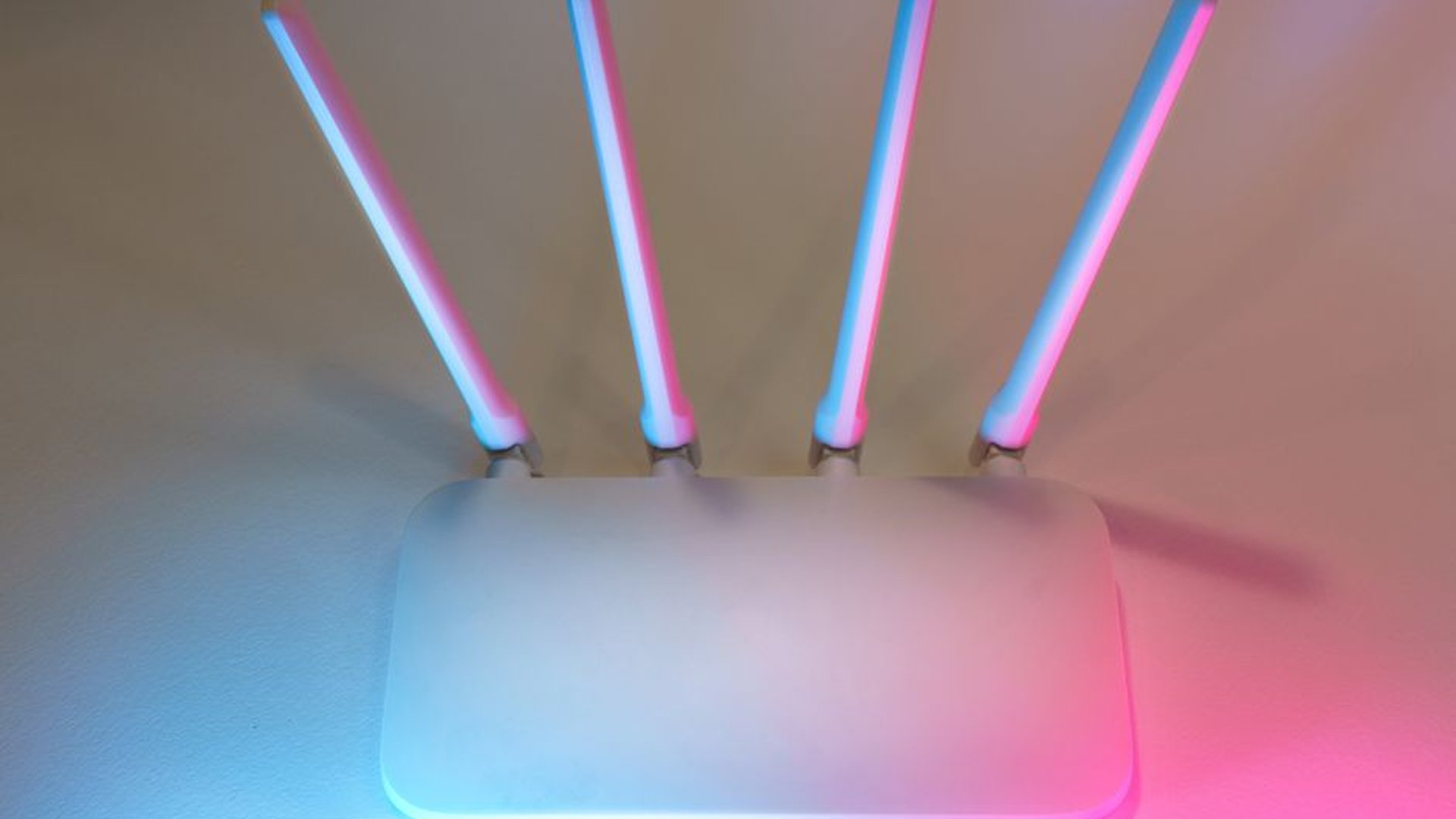
I once recommended a budget-friendly smart thermostat to a friend who lives in a 20-year-old apartment in Portland. She bought it, installed it herself, and spent two days trying to get it to sync with her Wi-Fi. The reason? Her router was outdated, and the device required a 5GHz band that her old hardware didn’t support. She ended up spending $90 on a new router just to make the thermostat work. That’s the kind of hidden cost most buyers don’t see. Smart devices aren’t just about upfront price. They involve ongoing subscription fees, app bloat, and compatibility issues. For example, some smart cameras require a $30/year cloud storage plan to keep recordings. Others need a $100 hub to work—a cost that isn’t shown on the product page. Always check reviews, not just star ratings, but actual user comments about setup complexity, reliability, and support. I’ve found that devices from established brands like Google and Apple tend to offer better long-term support than unknown budget brands. And don’t fall for the ‘cheap because it’s on sale’ trap. A $20 smart bulb might seem great, but if it dies in six months, you’ve spent $40 total. Look for devices with 2+ year warranties.
Real-World Testing: What Works Where
Let’s talk about mobile use—specifically for remote workers and digital nomads. I spent three months testing devices for a client who worked from coffee shops, co-working spaces, and Airbnb rentals across Europe. The goal? Find a smart setup that stays reliable, secure, and portable. Here’s what worked: a compact, USB-C-powered wireless monitor (like the Dell UltraSharp 13) paired with a Logitech MX Keys mini keyboard. It was lightweight, charged via USB-C (which most laptops now support), and the keyboard had a solid magnetic clutch for carrying. But for a client in Berlin, switching between Android, iOS, and Windows devices was a pain. The solution? A multi-OS file sync app like Resilio Sync, not a cloud service. It’s free, private, and doesn’t need login. For home use, I’ve tested smart speakers for people with vision impairments. The Amazon Echo Show 10 was surprisingly effective—its rotating camera could follow you across the room, and the voice navigation was smooth. But for someone with hearing loss, the default audio feedback wasn’t enough. We added a vibration alert module (like the one from Tactile Devices) to make it useful. This isn’t about the device alone—it’s about pairing it with complementary tools your specific needs demand.

Setting Up for Success: Avoid the Setup Trap
One of the biggest reasons people regret smart device purchases is poor setup. I’ve seen people spend hours trying to connect a smart lock to their phone only to find out the app wasn’t compatible with their Android version. Or, they download a smart thermostat app, only to discover it doesn’t work on older iPhones. These aren’t rare cases—they’re common. I recommend starting with a checklist before you even open the box: 1) what operating system do you use (iOS, Android, Windows, macOS), 2) do you have a 5GHz Wi-Fi band, 3) is your router less than 5 years old, 4) do you already use a smart home hub (like Apple Home, Google Home, Amazon Alexa), and 5) do you have a spare USB port for charging the device on the go. If you answer ‘no’ to two or more, you might want to reconsider. Another tip: use your phone’s built-in Wi-Fi analyzer app to test signal strength at the device’s intended location. Weak signals cause more failures than poor hardware. I once had a smart doorbell fail daily because the signal was blocked by a metal door frame. Moving it just 12 inches away fixed it instantly. Always test the device in its final spot, not where it’s packed in the box.
Future-Proofing Your Setup
Smart devices evolve fast. A device that’s great today might not work with a new OS update next year. That’s why I always recommend choosing devices with open standards. For example, devices that support Matter—Apple, Google, and Amazon’s new cross-platform protocol—ensure long-term compatibility. I’ve tested a Matter-enabled smart bulb, and it connected instantly to my Apple Home, Google Home, and Amazon Alexa systems—no extra hubs, no app switching. This isn’t just convenience. It’s security. Closed ecosystems lock you in and make upgrades expensive. I’d rather spend $60 on a Matter-certified smart plug than $30 on a brand-locked one that only works with one platform. Also, avoid devices that rely on proprietary apps with no export option for settings. If you move, you can’t restore your smart home setup without starting over. Look for devices that allow data export and use standard protocols like Zigbee or Z-Wave. These aren’t just jargon—they’re long-term savings on time, money, and frustration.
My final advice? Start small. Buy one smart device per month. Learn how it works, how it integrates, and how it behaves in your daily routine. That way, you’ll avoid the ‘smart home explosion’—where you buy five devices, all fail, and you end up selling them all for half price on eBay. Smart gear isn’t about having the most. It’s about having the right ones—ones that solve real problems, not just look cool on a shelf. And if you follow this guide, you’ll not only avoid common mistakes but build a smarter, simpler, and more reliable setup for home, office, and mobile life.
About the Author