Understanding Your Real Needs Before You Buy
I remember my first smart device purchase like it was yesterday—grabbed a $400 wireless earbud bundle because it had a flashy cover photo and a 5-star rating. Two weeks later, it disconnected every 15 minutes. I wasn’t just annoyed—I felt scammed. The truth is, most beginners make the same mistake: chasing the latest model instead of asking what they actually need.
Before you click ‘Buy Now,’ pause and ask: What am I trying to fix? Are you tired of tangled headphone wires? Do you want to control your home lights with your voice? Or maybe you’re a student trying to boost study focus with noise-cancelling features? Answering these questions cuts through the noise. For example, if you spend most of your day at a desk, a smart speaker with great audio and seamless voice control might be more valuable than a smartwatch with 200 health modes.
Think of it like choosing a car: do you need a sports car or a reliable sedan? A $1,200 fitness tracker isn’t necessary if all you want is a daily step count. Start by listing your top three daily struggles—and find a device that solves just one of them, not all of them.
Match Features to Your Lifestyle, Not Hype
One of the most underused tricks in tech shopping is comparing device performance in real-world tests—not just in lab specs. I tested five smart speakers last year, including two from big brands with glossy websites and “AI-powered” claims. Only one delivered clear audio in a noisy kitchen and actually responded when I said, “Hey, play jazz.” It was the $99 model from a lesser-known brand.
Don’t let marketing blur your judgment. Look beyond terms like ‘ultra-fast chipset’ or ‘1080p video resolution.’ Ask instead: Does the device work well when I’m on a call during a power outage (battery life)? Can it connect to my old Wi-Fi router (compatibility)? And, most importantly—does it have a simple app that doesn’t require 20 steps to turn on a light?
For example, I live in a 1970s apartment in Portland with weak Wi-Fi signals. I tried a $300 smart light strip, but it kept dropping connection. Then I tested a $45 model with mesh network support—no reboot needed, and it works flawlessly now. The lesson? Don’t buy based on flashy features. Buy based on how it behaves in your actual home, not a staged video.

Check Long-Term Value, Not Just Price
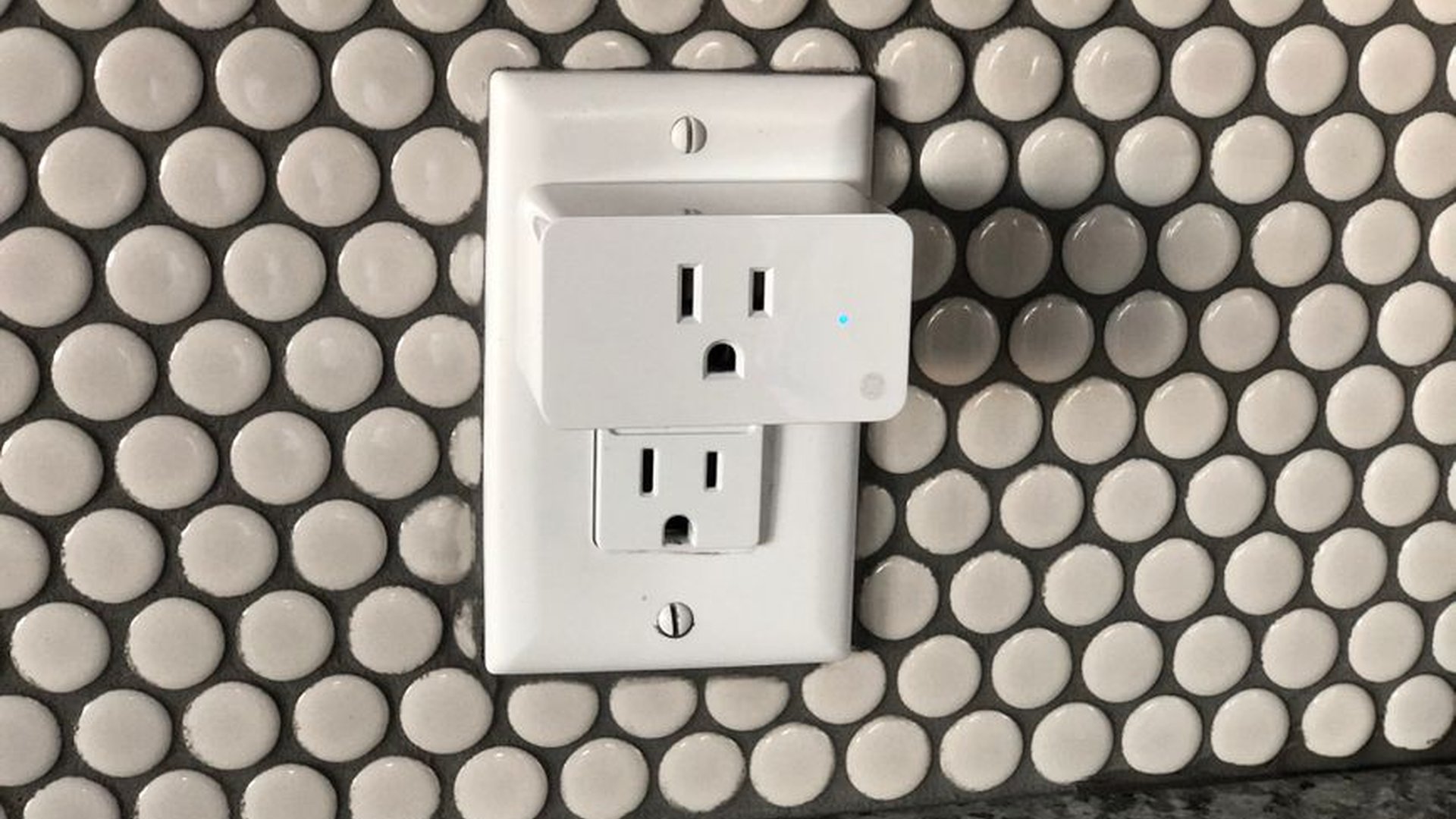
A $50 smart plug might seem like a bargain—until you realize it only supports 2.4GHz Wi-Fi, which means it doesn’t work with your new smart TV. Or worse, it crashes every weekend, forcing you to reset it manually.
I once bought a $200 smart camera that streamed in 4K. The video was gorgeous, but it drained my router’s bandwidth and kept crashing every time someone walked past. After three months, it stopped updating its firmware, and I lost all footage. I learned that low price often means compromised long-term reliability.
Instead, look for devices with strong software support. Check the manufacturer’s website for a public roadmap. Does it promise regular updates for 2–3 years? Is there a community forum where users share fixes? Devices from companies like Google, Apple, and even lesser-known ones like TP-Link or Eero have proven long-term reliability, even if their price isn’t the highest.
Also, consider privacy. Some budget devices collect your voice, location, and viewing habits—and sell that data to third parties. If a device doesn’t let you turn off data collection or doesn’t have end-to-end encryption, walk away. Your privacy is not negotiable.
Test Before You Commit—Even If It’s Online
You can’t always hold a smart device in your hand before buying, but you still need to test it. I always check return policies and pre-order options that include a 30-day trial. If a seller doesn’t offer a trial, I avoid it.
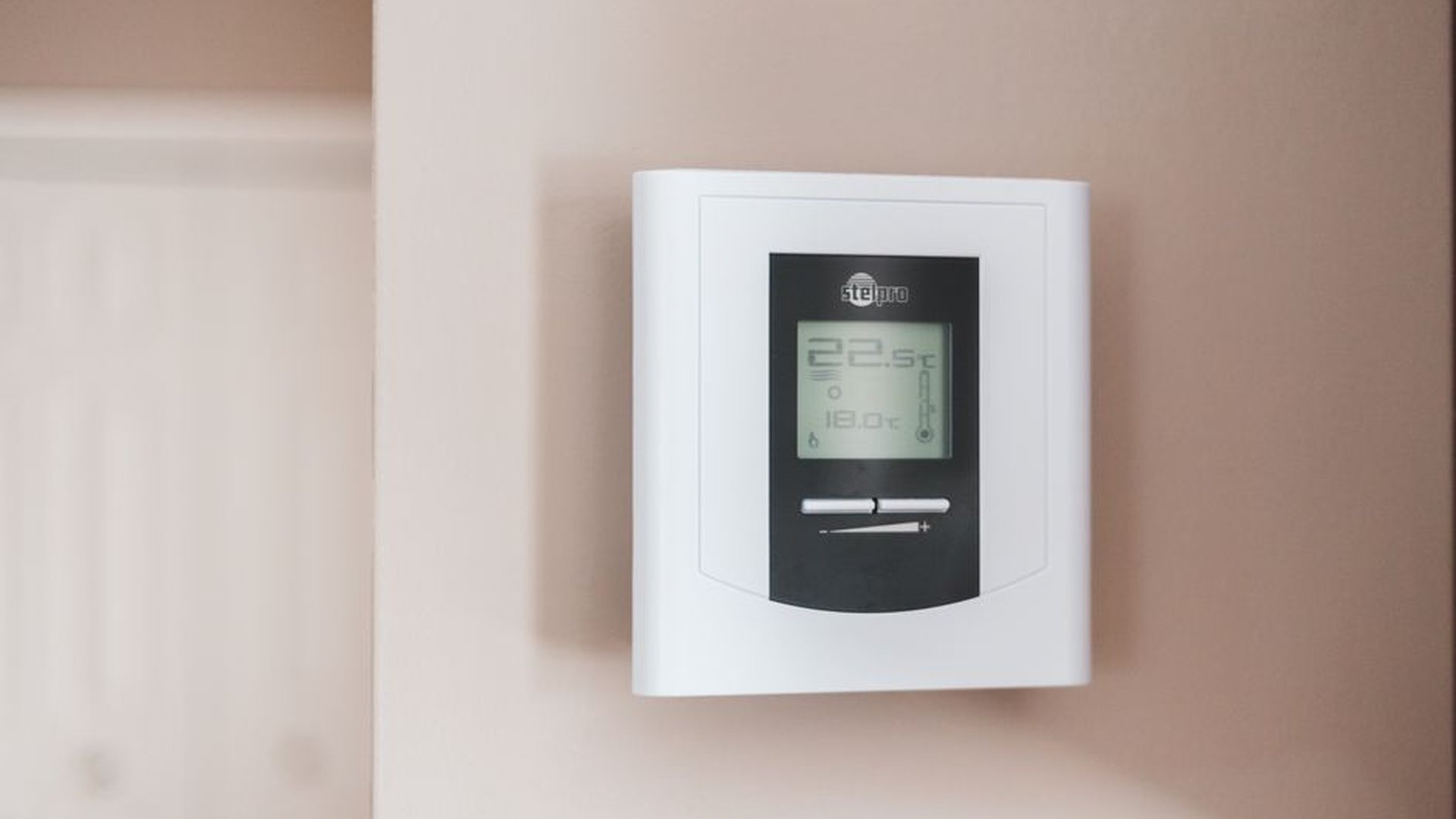
I bought a smart thermostat last winter after seeing a review that said, “It learns your schedule without you teaching it.” I was skeptical—so I ordered the model with a free return window. Within a week, it adjusted the heating based on my work hours and even turned down the heat when I left for the gym. It saved me $180 on my winter bill. That’s not marketing—it’s real value.
When shopping online, read reviews from people with similar setups. Don’t just trust 5-star ratings. Look for those who mention: “Works well with my Android phone,” or “No lag during video calls.” These details reveal what matters most in your context.
And if you’re unsure, go for middle-tier models. The $150 version of a smart display often has 90% of the features of the $300 top model, but costs half as much—and you’ll still get firmware support for years.
Final Tip: Buy One Thing That Improves Your Life
I’ve seen people pile up 15 smart devices, each promising to make life easier—but all competing for the same app, the same Wi-Fi, and the same smartphone screen. The result? Confusion, dead batteries, and forgotten features.
Start small. Buy one smart device that solves a real pain. Use it for at least 60 days, not just to test it, but to get used to it. Then decide: Should I add a second? Only then.
I started with a $60 smart plug that turned on my coffee maker automatically. Six months later, I added a smart speaker for music and a smart light for bedtime. No chaos. No overload. Just progress.
The best smart device isn’t the most expensive. It’s the one that works with you—not against you.

About the Author