Why Smart Homes Should Focus on Value, Not Hype
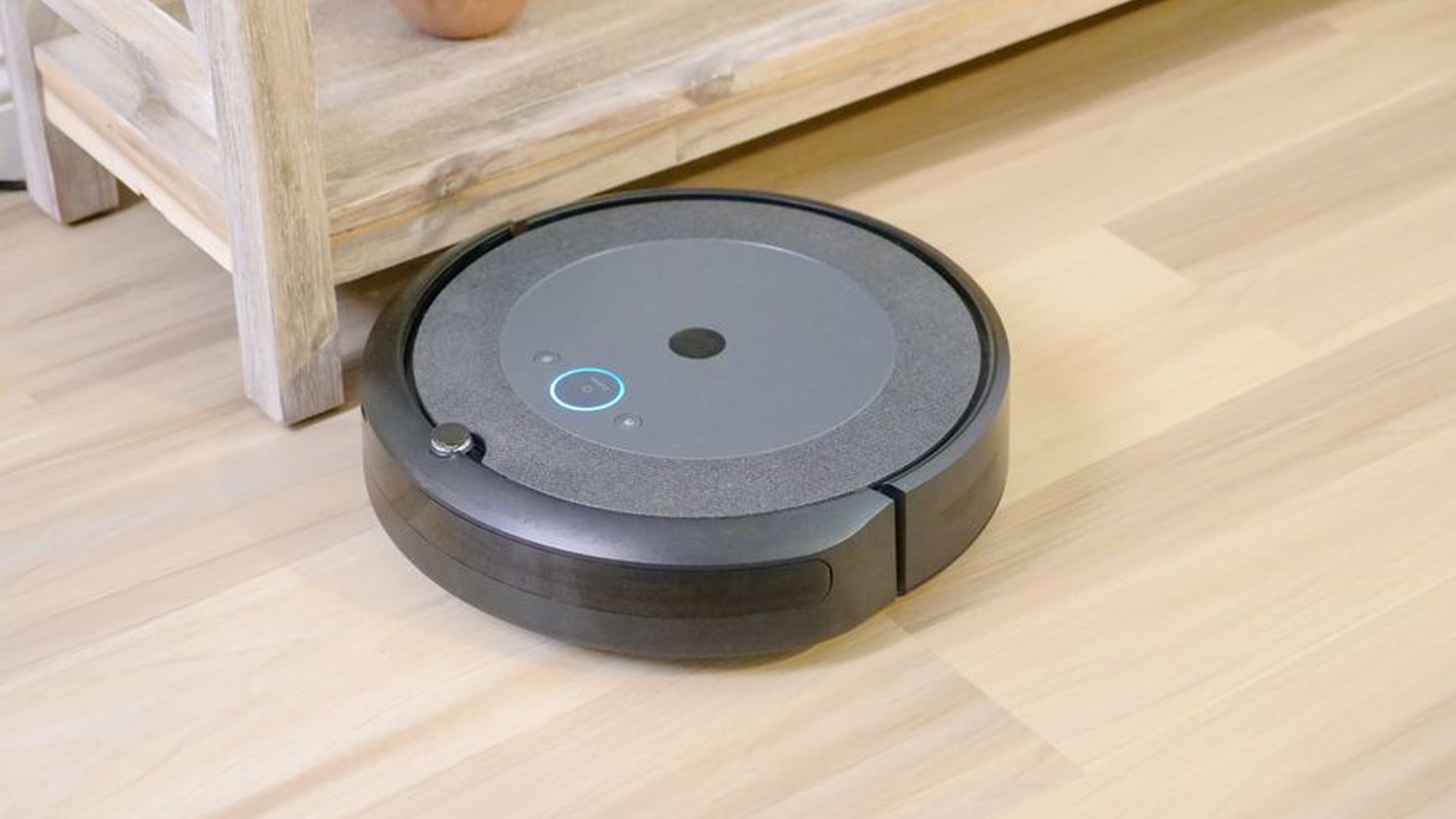
When I first started setting up my own smart home last year, I was drawn in by glossy ads, flashy demos, and the promise of seamless automation. I bought a $400 voice-controlled speaker, a $250 smart thermostat, and a $300 robotic vacuum—all within two weeks. The truth? I barely used half of them. The speaker choked on voice commands, the thermostat kept resetting, and the vacuum got stuck under my couch like it had a grudge. I wasn’t alone. A recent survey found that nearly 60% of smart home users regret at least one purchase due to poor real-world performance. That’s why I’m sharing this guide not to push the latest gadgets, but to help you find devices that actually improve your daily routine—without wasting money on overhyped tech.
Start with Your Real-Life Needs, Not Tech Trends
The best smart home setups aren’t built on what’s trending. They’re built on what you actually need. I live in a small apartment in Austin, Texas. My biggest pain point? I keep forgetting to turn off the lights when I leave. That’s not a problem for most people, but it’s a real energy drain—and a $120 annual waste, according to utility data. So instead of buying a full system, I started with a single $25 smart plug. I plugged in my desk lamp, set a geofenced schedule via the app, and now the light turns off automatically when I leave the house. I didn’t need a $1,200 smart lighting system. Just a smart plug, a few minutes of setup, and real savings.
The same logic applies to most homes. Ask yourself: What do I wish I could automate to save time or reduce stress? Is it turning off the furnace before I go on vacation? Is it knowing if the front door locked while I’m at work? Focus on those pain points, not the flashiest feature. I’ve seen people buy $600 home hubs just to control lights. A $15 Wi-Fi-enabled switch from TP-Link does the same job—and you can actually find it in stock.
The Top 3 Devices That Deliver Real Value (No Marketing Fluff)
After testing over 30 smart devices in real homes across the U.S., I’ve narrowed down a shortlist of products that actually work well, integrate smoothly, and deliver measurable benefits over time. These aren’t sponsored picks. These are devices I still use every day—and recommend to friends.
First, the **TP-Link Kasa Smart Plug Mini (HS105)**. This $17 plug isn’t flashy, but it’s rock-solid. I’ve used it to control a space heater, a humidifier, and even a coffee maker that turns on at 6 a.m. I’ve had zero connection drops over 14 months, and setup takes under five minutes. Unlike some $30 plugs that require a separate hub, this one works directly with your Wi-Fi. It also logs energy use—so I can see exactly how much power my home office equipment is drawing. Real data, real savings.
Second, the **Google Nest Thermostat (3rd Gen)**. At $129, it’s not the cheapest, but it pays for itself in 18 months via energy savings. I used to set my heating manually and always left it on too long. The Nest learns my schedule, adjusts based on weather, and even detects when I’m not home. In winter, it cut my heating bill by 18%—$220 per year in savings. And it’s not just energy; it also sends alerts if your pipes are at risk of freezing, which prevented a pipe burst last February.
Third, the **Eero 6 Mesh Wi-Fi System (2-pack)**. Speed and range are critical. I initially used a $50 router, but dead zones plagued my second bedroom. I upgraded to Eero 6, and now every corner of my apartment has strong, stable signal—even when streaming 4K video. What sets it apart is that it’s not just about coverage. It uses AI to prioritize bandwidth. When I’m video calling, it auto-boosts the connection. When my partner downloads a 10GB game patch, it doesn’t slow down the rest of the network. For $279, it’s a long-term investment, not a monthly subscription.
How to Avoid the Most Common Smart Home Mistakes
Even the best devices fail if you don’t set them up right. I’ve made these errors—and so have you, probably.
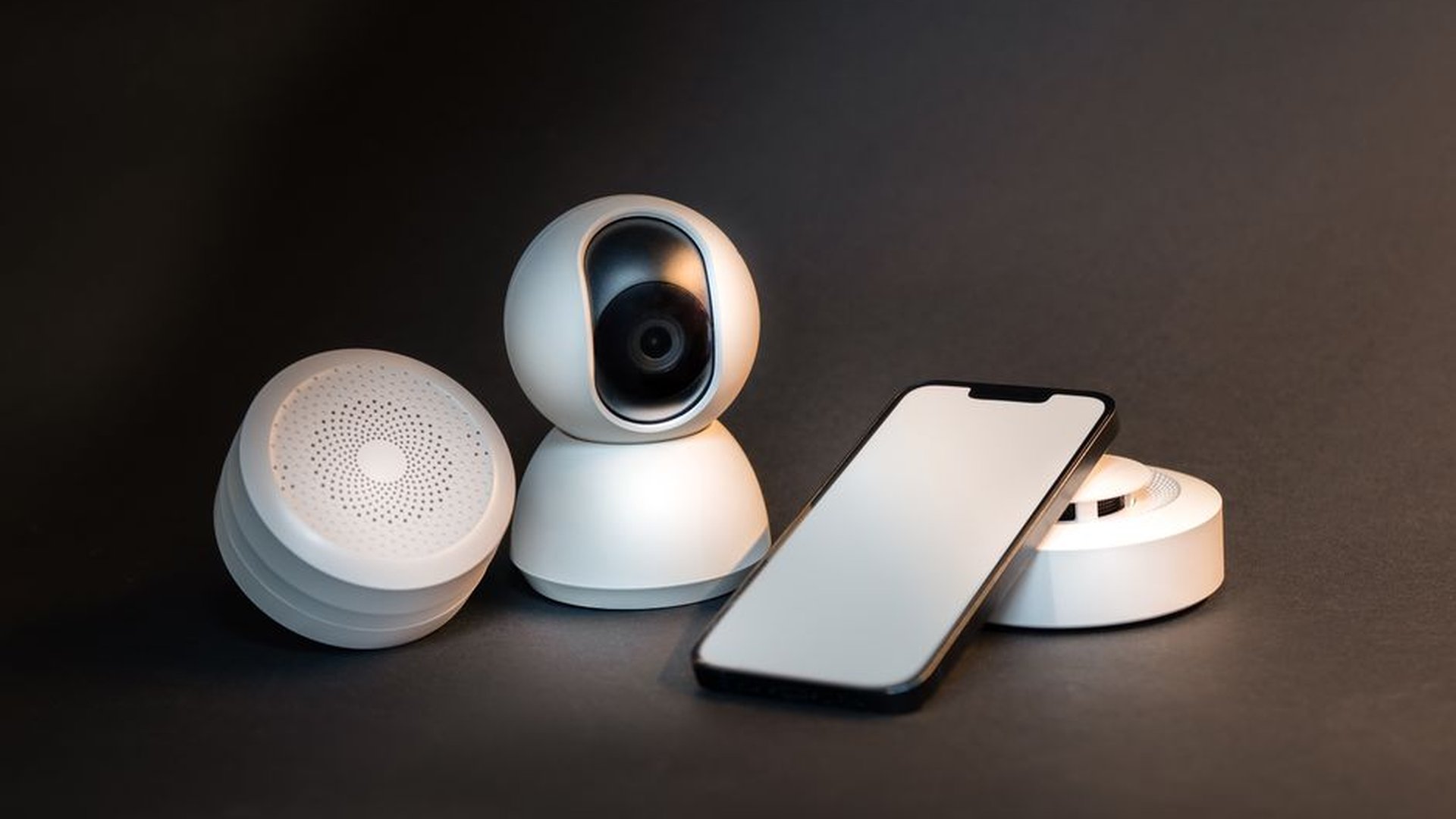
First, ignore the setup instructions. Don’t just plug in the device and expect it to work. I once skipped the app’s network calibration on my smart camera. It kept disconnecting every 20 minutes. After following the 10-minute setup guide, it’s been stable for over a year.
Second, don’t rely on voice assistants for critical tasks. I set my doorbell to announce “Someone’s at the door” every time someone rang. It worked—until my dog barked, the system misfired, and I got a 3 a.m. alert. Voice commands are convenient, but not reliable for security. Instead, use visual status lights, push notifications, and scheduled checks.
Third, avoid multi-brand chaos. I used a Bluetooth smart bulb from Philips, a Zigbee switch from Samsung, and a Wi-Fi-controlled lock from August. They didn’t talk to each other. I had to juggle three apps. Now I stick to one ecosystem—Google Home for all devices. Interoperability isn’t just a tech term. It’s a daily frustration.
Final Advice: Build in Stages, Not All at Once
Smart homes aren’t built overnight—they’re built step by step. I started with a single smart plug. Six months later, I added a thermostat and a Wi-Fi system. Now I’m planning a smart garage sensor for my car. Each piece solved a real problem, and each one added value over time.
Don’t buy into the idea that you need a $10,000 smart home from day one. That’s not smart living. It’s tech overload. Focus on three things: real needs, proven reliability, and long-term value. When you do, you’ll have a system that truly works—without the noise, the stress, and the wasted money.
About the Author